How to File ITR Online India 2026: Step-by-Step Guide for Salaried Employees
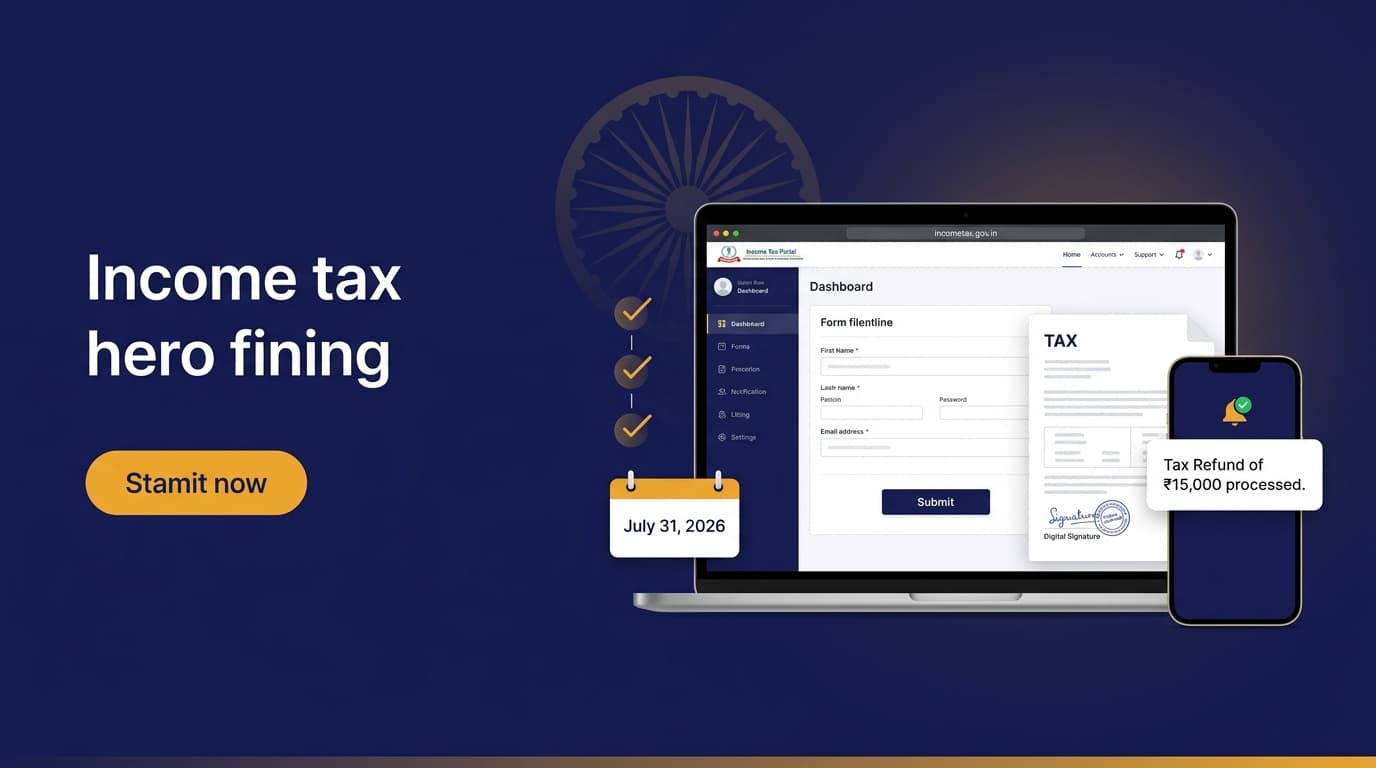
How to File ITR Online India 2026: Step-by-Step Guide for Salaried Employees
Filing deadline: July 31, 2026 (AY 2026-27 for FY 2025-26)
Most salaried employees with a single employer, no property income, no capital gains, and total income below ₹50L can file ITR in under 20 minutes. The Income Tax Department's portal has significantly improved and pre-fills most data from Form 16 and AIS.
This guide covers the complete process — from gathering documents to getting your refund.
Which ITR Form Do You Need?
| Your Situation | ITR Form |
|---|---|
| Salaried, one employer, income < ₹50L, no capital gains | ITR-1 (Sahaj) |
| Salaried + capital gains from stocks/MF OR income > ₹50L | ITR-2 |
| Business/freelance income (presumptive or books) | ITR-3 or ITR-4 |
| Company, LLP | ITR-5, ITR-6 |
90%+ of salaried readers should file ITR-1. This guide focuses on ITR-1.
Documents You Need (Gather Before Starting)
Mandatory:
- Form 16 — from your employer (should arrive by June 15)
- PAN card number
- Aadhaar linked to PAN (mandatory from 2024)
- Bank account details (account number + IFSC for refund credit)
- Mobile number linked to Aadhaar (for OTP verification)
If applicable:
- Form 26AS / AIS (Auto downloaded from IT portal)
- Investment proofs for deductions (80C, 80D, NPS, home loan statement)
- Rent receipts if claiming HRA
- Capital gains statement from broker (for ITR-2)
- Interest certificates from banks (savings, FD interest)
Step 1: Check AIS and Form 26AS (Critical — Do This First)
Enjoyed this post?
Get our weekly digest delivered free.
Before filing, go to incometax.gov.in → Login → AIS (Annual Information Statement). This shows every income the Income Tax Department knows about:
- Salary from employer
- Interest income from all banks (auto-fetched via SFT)
- Dividend income
- Securities transactions (mutual fund purchases/sales, stock sales)
- Property purchase/sale
- GST information (if you have a business)
Why this matters: If your Form 16 shows ₹10L salary but AIS shows ₹10.5L (because you got a bonus not captured), the IT Department knows. Always reconcile AIS vs Form 16 before filing.
Common AIS discrepancy: Bank interest earned across multiple banks. The I-T Department gets all interest data from banks automatically. If you've missed declaring savings account interest or FD interest in previous years — this is the year to come clean.
If AIS has incorrect data: Use the "Feedback" button in AIS to mark entries as incorrect. IT Department will review — but file ITR with the correct figure regardless.
Step 2: Login to the Income Tax Portal
- Go to incometax.gov.in
- Click Login
- Enter PAN as user ID + password
- Verify with OTP on Aadhaar-linked mobile
First time? Register with PAN + Aadhaar-linked mobile number. OTP verification sets up your account.
Step 3: Start Filing ITR-1
- On the dashboard → File Income Tax Return
- Assessment Year: 2026-27 (for income earned in FY 2025-26, April 2025–March 2026)
- Mode: Online
- Status: Individual
- ITR Form: ITR-1 (if conditions above match)
- Click Proceed
The portal will pre-fill data from Form 16, AIS, and 26AS. Review every pre-filled field.
Step 4: Fill Income Details
Part A — General Information
- Personal details (auto-filled from PAN/Aadhaar)
- Nature of employment: Govt / PSU / Private / Pensioner / Others
- Select tax regime: New regime (default) or Old regime (explicit choice)
Part B — Gross Total Income
Salary Income:
- The portal pre-fills from Form 16 / employer TDS. Verify vs your actual CTC.
- Gross salary = all allowances + basic + HRA received
- Less: exemptions = HRA exemption (if old regime) + LTA + standard deduction (₹75,000)
- Net salary = taxable salary
House Property Income:
- If you live in rented accommodation: no entry needed here
- If you own a self-occupied property: annual value = nil; you can claim home loan interest deduction (up to ₹2L, old regime only)
- If property is let-out: show actual rent received, claim 30% standard deduction + full home loan interest
Other Sources:
- Savings account interest: add all banks (₹10,000 deductible u/s 80TTA in old regime)
- FD interest: fully taxable, add all FD interest earned in FY 2025-26
- Dividend income: fully taxable from FY 2020-21 onward (company pays DDT no longer)
Step 5: Enter Deductions (Old Regime Only)
If you chose new regime, skip to Step 6.
If you chose old regime:
80C (max ₹1,50,000):
- Enter total of: EPF employee contribution + PPF deposits + ELSS investment + LIC premium + NSC + tuition fees + home loan principal
80D (Health Insurance):
- Self + family premium: up to ₹25,000
- Parents premium: up to ₹25,000 (or ₹50,000 if senior citizen)
- Enter actual amounts paid during FY 2025-26
80CCD(1B) — NPS:
- Additional ₹50,000 over 80C limit
- Enter your NPS Tier 1 contribution (from NPS statement / CRA)
HRA Exemption:
- Enter actual HRA received + actual rent paid + basic salary
- Portal calculates eligible HRA exemption automatically
Home Loan Interest — Section 24(b):
- Enter interest paid during FY 2025-26 (from your bank's interest certificate)
- Maximum ₹2L for self-occupied property
Other deductions:
- 80TTA: savings account interest (max ₹10,000)
- 80G: donations to approved institutions
- 80E: education loan interest
Step 6: Tax Computation Preview
After entering all income and deductions, the portal shows:
- Total income: gross income minus deductions
- Tax payable: as per slab + surcharge + 4% cess
- TDS already deducted: from Form 16 (employer) + 26AS (bank, others)
- Net tax payable / refund due
Common outcome for salaried employees:
- If employer has deducted correct TDS → balance tax = ₹0 or small refund
- If you claimed deductions employer didn't account for → refund
- If you have extra income (FD interest, rental income) employer didn't know → additional tax payable
If tax payable > ₹0: Pay self-assessment tax via Challan 280 on TIN-NSDL before filing. Add the challan number in ITR.
Step 7: Verify and Submit
- Review the summary — verify PAN, bank account, total income, tax
- Declare: "I verify that the information given above is correct and complete"
- Submit
- e-Verify — this is mandatory within 30 days of filing:
- Aadhaar OTP (simplest — takes 30 seconds)
- EVC via net banking
- Digital signature certificate
ITR is not complete until e-verification. An unverified ITR is treated as not filed.
Step 8: Refund Status
After e-verification, refund processing takes 15–45 days typically. Track at:
- IT Portal → Dashboard → Refund/Demand Status
- NSDL Refund Status: tin.tin.nsdl.com
Refund is credited directly to your bank account. Make sure your bank account is pre-validated on the IT portal (one-time step under Profile → Bank Account).
If refund is delayed beyond 60 days: You're entitled to Section 244A interest at 6% per annum on the refund amount. This is automatically credited — you don't need to claim it separately.
Common Mistakes That Trigger IT Notices
1. Not declaring interest income Banks report all interest to I-T Department via SFT (Statement of Financial Transactions). Missing ₹50,000 in FD interest is easily caught.
2. Capital gains from mutual fund redemptions not declared If you redeemed any mutual fund units in FY 2025-26, the gain must be declared in ITR-2 (not ITR-1). Many salaried employees file ITR-1 and skip this.
3. Foreign income or assets not declared If you received any foreign salary, rental income, or hold assets abroad — Schedule FA is mandatory. Non-declaration is a serious offence.
4. Mismatch between ITR and AIS If your declared income is lower than what AIS shows — expect an automated notice. Always reconcile before filing.
5. Wrong bank account for refund Verify your bank account is correct and pre-validated. Wrong account = refund failure = refund processing delay of months.
Belated ITR: If You Miss the July 31 Deadline
| Filing Period | Penalty |
|---|---|
| Before July 31 | ₹0 |
| Aug 1 – Dec 31 | ₹5,000 (₹1,000 if income < ₹5L) |
| Jan 1 – March 31 | ₹10,000 (₹1,000 if income < ₹5L) |
| After March 31 (next year) | Cannot file at all — only revised/updated return |
Additional consequence of late filing:
- Cannot carry forward capital losses (STCL/LTCL) to offset future gains
- Refund interest under 244A is reduced proportionally
- Higher scrutiny risk from IT Department
File by July 31. Always.
Should You Use ClearTax / Tax2Win Instead of the Official Portal?
| Factor | Official IT Portal | ClearTax / Tax2Win |
|---|---|---|
| Cost | Free | Free (basic) to ₹499–₹2,999 (complex) |
| Pre-fill quality | Good — directly from AIS/Form 16 | Good — imports from IT portal |
| Ease of use | Improved significantly in 2024 | Cleaner UX |
| Expert assistance | None | Available at extra cost |
| Best for | Simple ITR-1 cases | Complex cases, capital gains, multiple income sources |
Our recommendation: Use the official IT portal for simple ITR-1 (salaried, no capital gains). The portal has improved significantly. Use ClearTax if you have capital gains from stocks/MF, multiple sources of income, or want a guided experience with CA review.
→ File ITR with ClearTax — Guided, CA-reviewed
FAQs
Q: What if I don't file ITR? Mandatory for everyone with gross income > ₹2.5L (₹3L in new regime). Non-filing attracts penalty + interest on tax due. For income > ₹50L, non-filing is a criminal offence.
Q: Can I revise my filed ITR? Yes. You can file a revised ITR by December 31 of the assessment year (December 31, 2026 for AY 2026-27). Revisions are unlimited — but each revision triggers a new processing queue.
Q: My employer already deducted all tax. Do I still need to file? Yes, if your gross income > ₹2.5L. Filing is mandatory regardless of TDS. However, if income is below the taxable threshold after deductions, filing is technically optional — but filing enables refund claim and maintains a clean IT history.
Q: What is AY vs FY? FY 2025-26 = income earned April 2025 – March 2026. AY 2026-27 = the year you're filing the return for that income (Assessment Year = FY + 1).
Q: I got a notice. What should I do? Don't panic. Most IT notices are automated — mismatch between AIS and ITR, or a request for more information. Log in to IT portal → e-Proceedings → respond online within the deadline stated. For complex notices, consult a CA.
Deadline and penalty information for AY 2026-27. Tax laws may change. Always verify with the official incometax.gov.in portal and consult a CA for complex situations. RupeeIQ is not a tax advisory service.
The insights, broker reviews, tax estimates, and financial data presented on RupeeIQ are strictly for educational and research purposes only. RupeeIQ and its authors are not SEBI-registered investment advisors or research analysts. Nothing published herein should be construed as personalized investment advice or a recommendation to buy or sell securities. Investments in the securities market are subject to market risks. Please conduct your own due diligence or consult a SEBI-registered financial planner before making investment decisions. Read our Editorial Policy.
Enjoyed this post?
Get our weekly digest delivered free.
Share this post:
RupeeIQ is reader-supported. We may earn a commission from links in this article at no extra cost to you. Read our disclosure.